Chief
Projector accessoire
SLM301
Chief SLM301 Handleiding
Hier is de Chief SLM301 (Projector accessoire) gebruikershandleiding. 1 pagina's in taal Engels met een gewicht van 0.1 Mb. Als u geen antwoorden op uw probleem kunt vinden Vraag het onze community.
Pagina 1/1
INSTALLATION INSTRUCTIONS
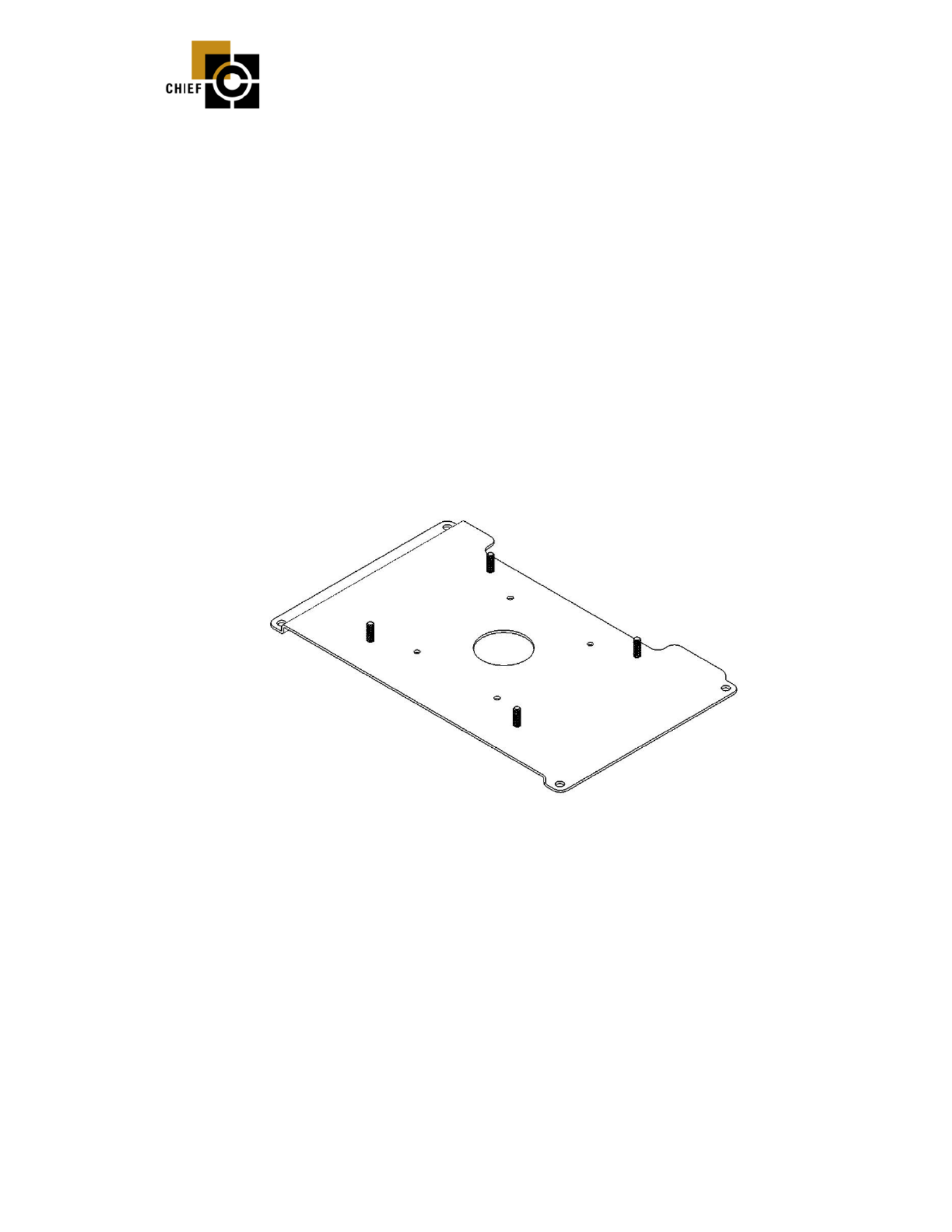
SLB-301 HANGER BRACKET
for Runco DR-300, DR-300c,
Prior to assembly, unpack carton and verify contents.
For security installation, use security hardware package inside the ALL-POINTS™
Security Kit. Follow the instructions below for attaching the bracket to the projector
using either standard hardware or security hardware.
If you are missing any of the following components, please contact Customer Service at
1-800-582-6480
(1) SLB-301 Bracket (4) #10 Flatwashers
(4) 10 - 24 Thumb Nuts (4) 10 – 32 x 3/8” Pan Head Screws
I I NSTALLATION NSTRUCTIONS
1. Turn projector upside down on a flat surface.
2. Place the SLB-301 bracket onto the bottom of the projector lining up the four mounting
holes in the SLB-301 bracket with the four threaded inserts in the bottom of the projector.
3. Using the four 10 – 32 x 3/8” mounting screw, place one screw in each threaded insert
and secure all four fasteners at this time. CAUTION: When attaching the mount be
careful not to over tighten mounting screws.
4. See RPA and/or Smart-Lift™ Instructions.
8802-000115 08/29/03
CHIEF MANUFACTURING INC. 1-800-582-6480, Fax: 1-877-894-6918, Email: chief@chiefmfg.com
Probleemoplossing Chief SLM301
Als je de handleiding al zorgvuldig hebt gelezen maar geen oplossing voor je probleem hebt gevonden, vraag dan andere gebruikers om hulp
Specificaties
| Kleur van het product: | Zwart |
| Gewicht verpakking: | 1000 g |
| Aantal per verpakking: | 1 stuk(s) |