Enermax
Ventilator
T.B.Silence UCTB12N
Enermax T.B.Silence UCTB12N Handleiding
Hier is de Enermax T.B.Silence UCTB12N (Ventilator) gebruikershandleiding. 1 pagina's in taal Engels met een gewicht van 1,018,560.0 Mb. Als u geen antwoorden op uw probleem kunt vinden Vraag het onze community.
Pagina 1/1
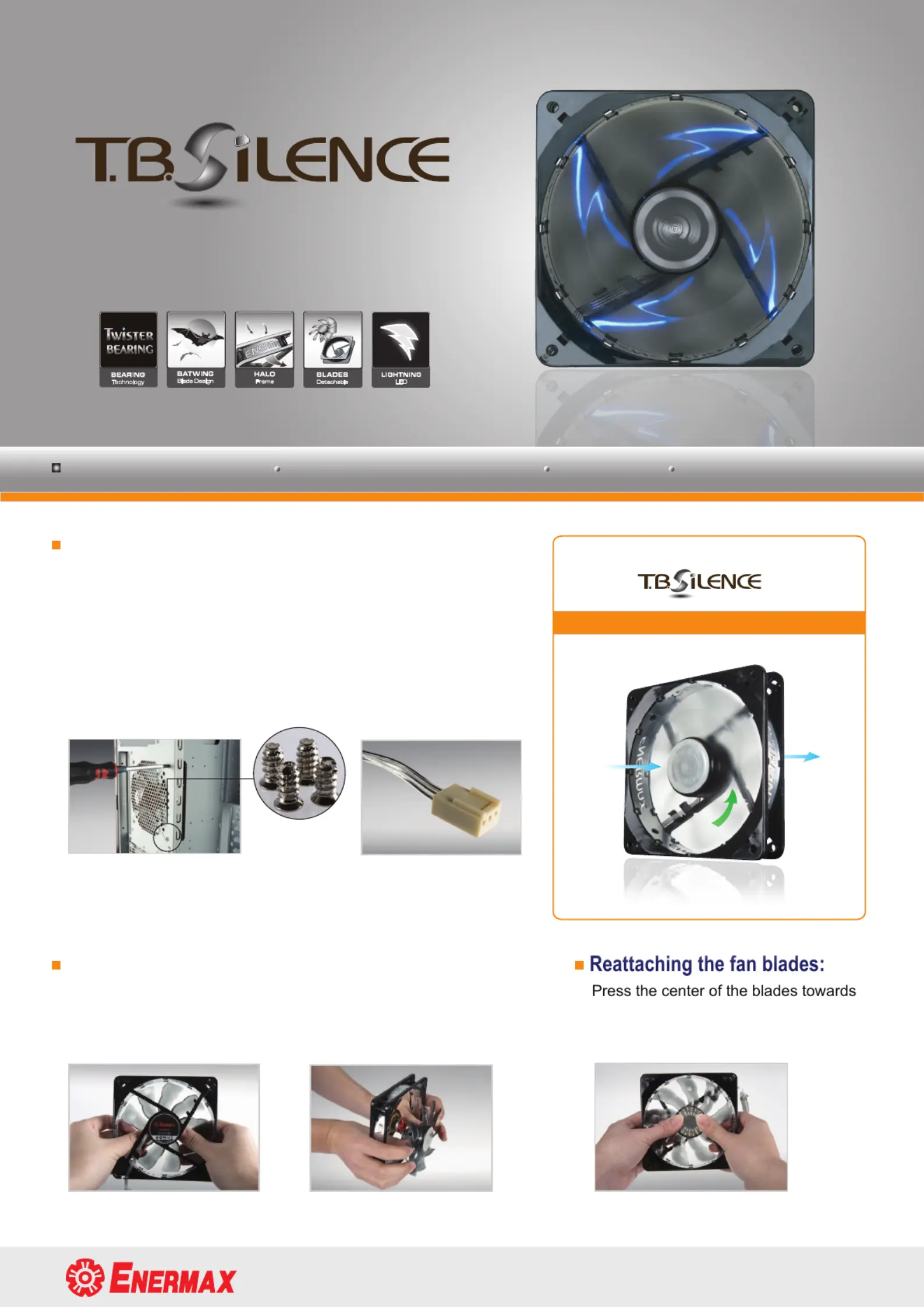
Installation:
1. PC power off at all times during installation
2. Please see the right figure for the airflow directions
3. Install the fan on the case with the 4 screws
4. Connect the 3 pin connector to a specific 3 pin 12V header on
the motherboard. Or attach the enclosed 3 pin to 4 pin adaptor
to your power supply
Detaching fan blades:
Carefully push out the fan blades with your thumbs in the inner
area
back view
side view front view
the frame until it clicks
3 pin connector
www.enermax.com forum.enermax.com
Airflow
direction
Airflow
direction
Rotation direction
UCTB12N
- LED Series
The package includes :
T.B.SILENCE-LED Series fan * 1 Screws * 4 3 pin to 4 pin adaptor * 1
Probleemoplossing Enermax T.B.Silence UCTB12N
Als je de handleiding al zorgvuldig hebt gelezen maar geen oplossing voor je probleem hebt gevonden, vraag dan andere gebruikers om hulp
Specificaties
| Merk: | Enermax |
| Categorie: | Ventilator |
| Model: | T.B.Silence UCTB12N |