HP Color LaserJet Pro MFP M476 Handleiding
Hier is de HP Color LaserJet Pro MFP M476 (Printer) gebruikershandleiding. 3 pagina's in taal Nederlands met een gewicht van 1.1 Mb. Als u geen antwoorden op uw probleem kunt vinden Vraag het onze community.
Pagina 1/3
1
3.1 3.2
2
3
1.1
1.3
1.2
1.4
2.1 2.3 2.42.2
/7
5
$�
/* /
M476 dw
M476 nw
M476 dn
© 2014 Hewlett-Packard Development Company, L.P.
www.hp.com
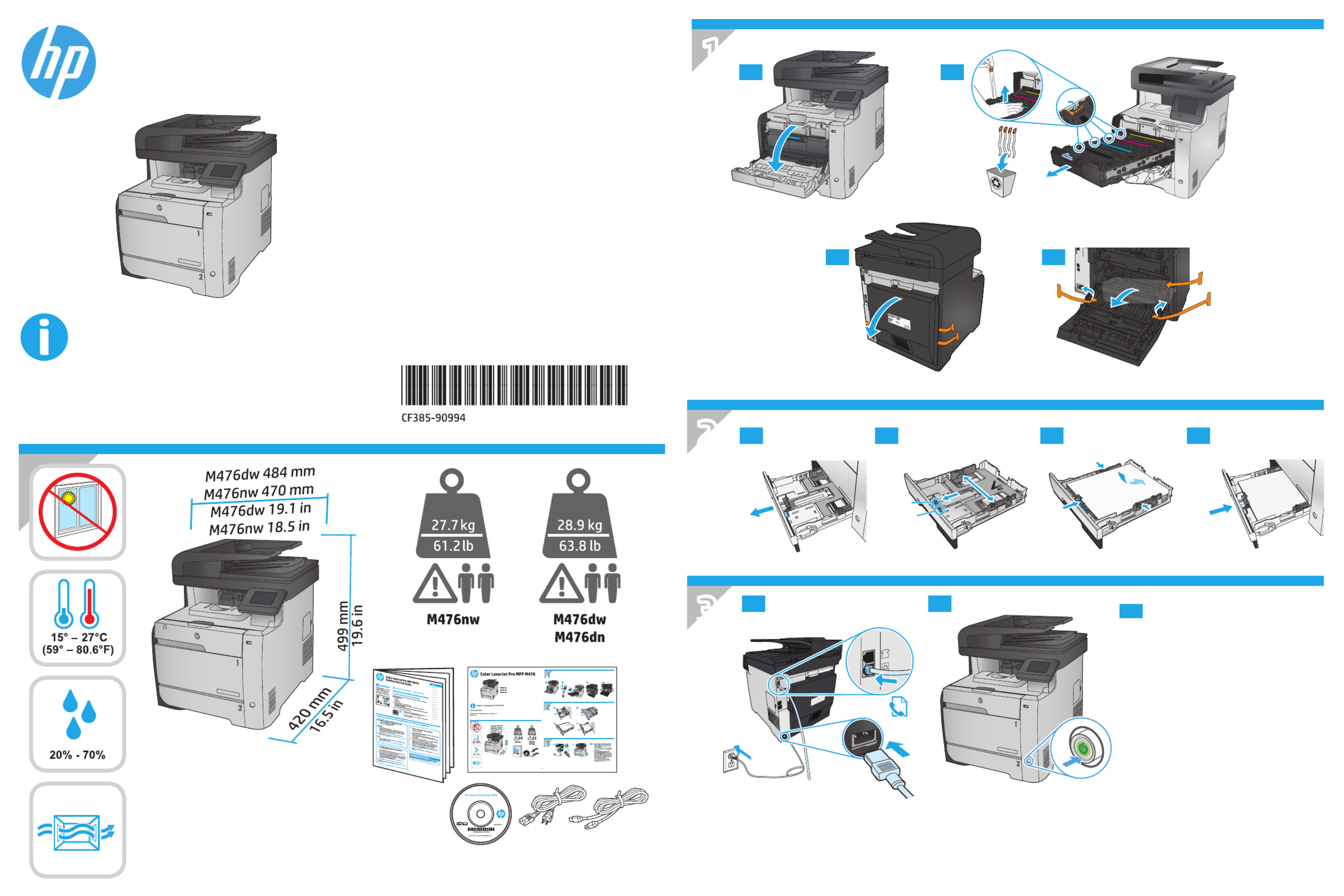
1. Connect the phone cord for fax. A country/
region specic adapter for the RJ11
telephone cord may be required to connect
to the telephone jack.
2. Connect the power cord between the
product and a grounded AC outlet, and
turn on the product. Make sure your power
source is adequate for the product voltage
rating. The voltage rating is on the product
label. The product uses either 100-127 Vac
or 220‑240Vac and 50/60 Hz.
CAUTION: To prevent damage to the
product, use only the power cord that is
provided with the product.
EN
www.hp.com/support/colorljMFPM476
Color LaserJet Pro MFP M476
Lea esto primero
Probleemoplossing HP Color LaserJet Pro MFP M476
Als je de handleiding al zorgvuldig hebt gelezen maar geen oplossing voor je probleem hebt gevonden, vraag dan andere gebruikers om hulp
Specificaties
| Merk: | HP |
| Categorie: | Printer |
| Model: | Color LaserJet Pro MFP M476 |