HP OfficeJet 8012e All-in-One Handleiding
Hier is de HP OfficeJet 8012e All-in-One (Printer) gebruikershandleiding. 5 pagina's in taal Engels met een gewicht van 1.1 Mb. Als u geen antwoorden op uw probleem kunt vinden Vraag het onze community.
Pagina 1/5
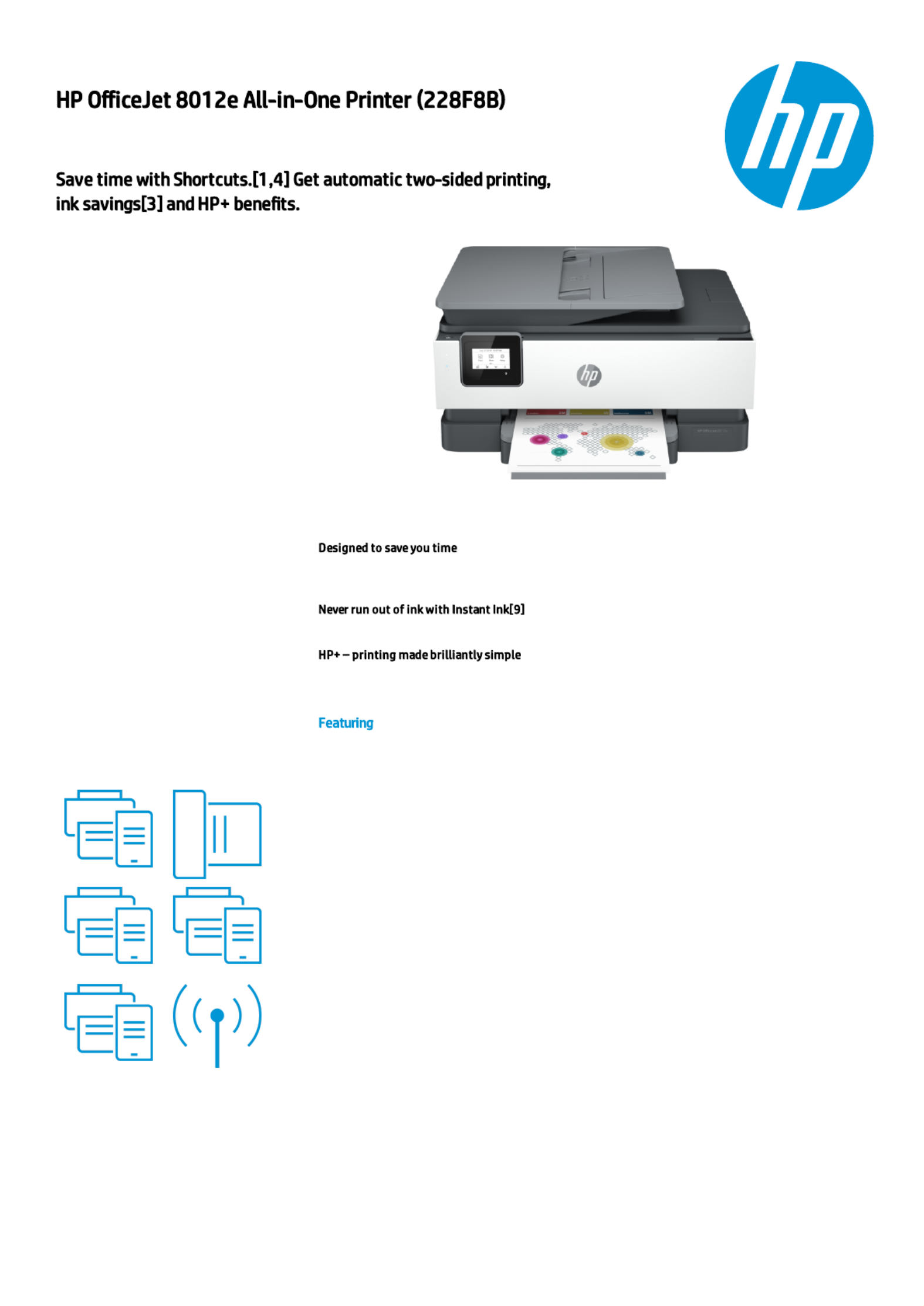
ProductSheet
The smart printer that gets works done.
Save time with Shortcuts[1,4] and get
automatic two-sided printing. Print and
scan from your phone.[1] Choose HP+ at
setup to receive 6 months of Instant Ink
[6] and an extended (up to 3 years) HP
warranty.[12]
Eliminate steps in repetitive tasks, using Shortcuts.[1] Scan to the cloud, email, and more – in a
tap.[1]
Enroll to Instant Ink to get ink, plus hassle-free delivery and recycling while saving up to 70%.[8]
With HP+, get connected cloud that automatically detects and xes connectivity issues.[10]
Customizable shortcuts on your phone
[1]
Hands-free. Auto-fed
Ready when you are [1]
Printing just got more productive
[1]
Amazing scanning, now on your smartphone
Your reliable connection [2]
Generated by Dynamic Collateral Tool – (ww-en) – Apr 15, 2021 7:53 AM UTC+0000
Probleemoplossing HP OfficeJet 8012e All-in-One
Als je de handleiding al zorgvuldig hebt gelezen maar geen oplossing voor je probleem hebt gevonden, vraag dan andere gebruikers om hulp
Specificaties
| Merk: | HP |
| Categorie: | Printer |
| Model: | OfficeJet 8012e All-in-One |