Panasonic
Multifunctional printers
KX-MB2120
Panasonic KX-MB2120 Handleiding
Hier is de Panasonic KX-MB2120 (Multifunctional printers) gebruikershandleiding. 140 pagina's in taal Engels met een gewicht van 7.3 Mb. Als u geen antwoorden op uw probleem kunt vinden Vraag het onze community.
Pagina 1/140
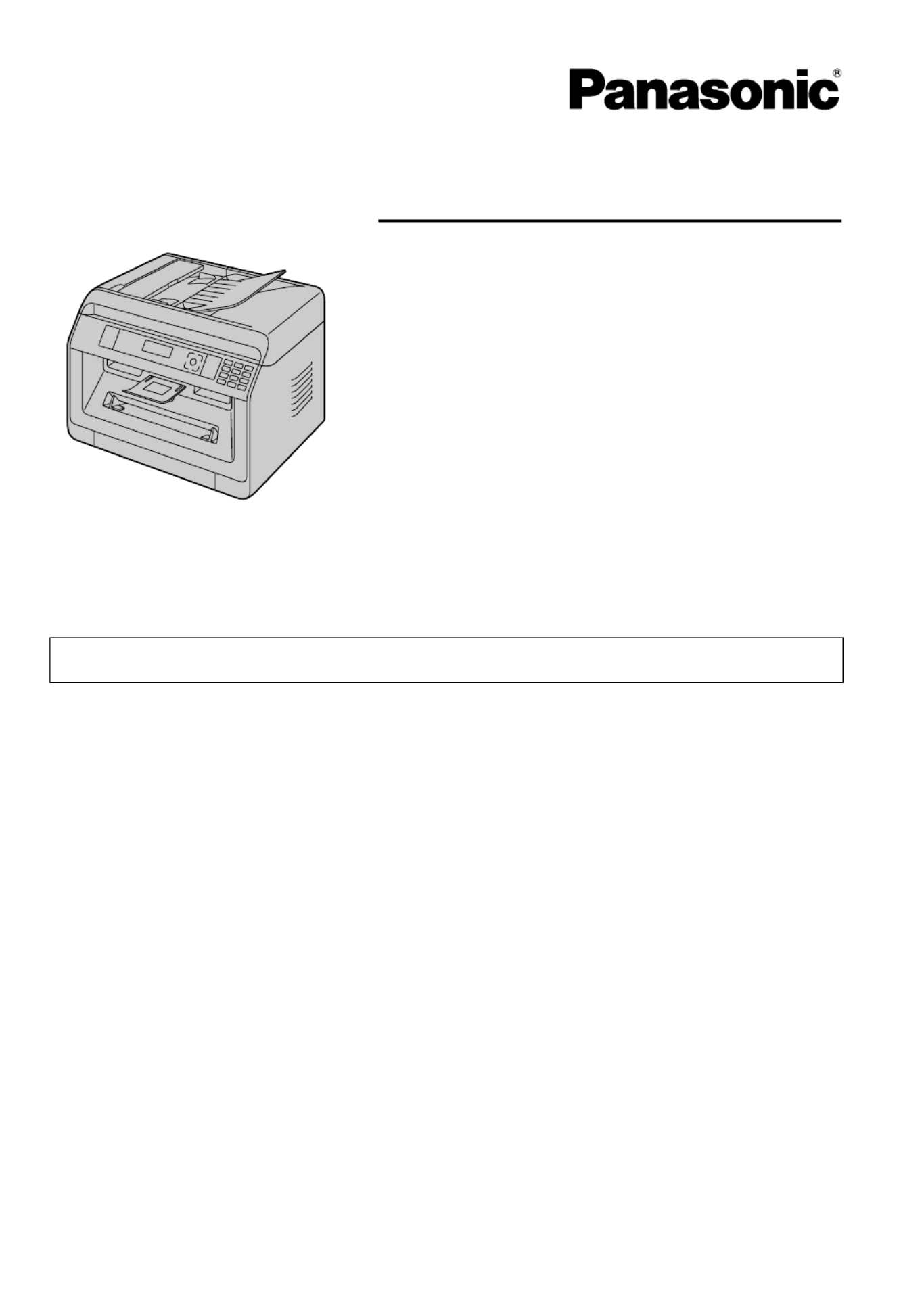
KX-MB2100 series
Operating Instructions
Multi-Function Printer
For descriptions with a ( ) mark, see “ List of available features and equipment” on page 3 for
y
y
y
yy y
y
y
yy
availability.
RDo NOT connect the unit to a computer with the USB cable until prompted to do so during
the setup of Multi-Function Station (CD-ROM).
RIt is our duty to preserve the environment.
Location selection (fax supported models only) ( ):
y
y
y
yy
If your unit has feature #114, you can change the location setting. See the setup list (page 95).
LA models only:
When you turn the power ON for the first time, select your location. The language for display and
reports, etc. will be changed automatically.
Language selection
If your unit has feature #110, you can change the language setting. See the setup list (page 95).
R FOR ENGLISH USERS:
When the language for display and reports is not English, you can change it to English
(feature #110).
Probleemoplossing Panasonic KX-MB2120
Als je de handleiding al zorgvuldig hebt gelezen maar geen oplossing voor je probleem hebt gevonden, vraag dan andere gebruikers om hulp
Specificaties
| Kleur van het product: | Black, White |
| Ingebouwd display: | Ja |
| Gewicht: | 12000 g |
| Breedte: | 410 mm |
| Diepte: | 400 mm |
| Hoogte: | 320 mm |
| Beeldscherm: | LCD |
| USB-poort: | Ja |
| Ethernet LAN: | Nee |
| Geïntegreerde geheugenkaartlezer: | Nee |
| Markt positionering: | Bedrijf |
| Aantal USB 2.0-poorten: | 1 |
| Stroomverbruik (in standby): | 65 W |
| Stroomverbruik (indien uit): | 3.3 W |
| Intern geheugen: | 64 MB |
| Tekstregels: | 2 regels |
| Ondersteunt Mac-besturingssysteem: | Mac OS X 10.5 Leopard, Mac OS X 10.6 Snow Leopard, Mac OS X 10.7 Lion, Mac OS X 10.8 Mountain Lion, Mac OS X 10.9 Mavericks |
| Ondersteunt Linux: | Ja |
| Maximale resolutie: | 600 x 600 DPI |
| Printkleuren: | Zwart |
| Papierlade mediatypen: | Envelopes, Plain paper |
| Printtechnologie: | Laser |
| Standaard interfaces: | USB 2.0 |
| Printsnelheid (zwart, standaardkwaliteit, A4/US Letter): | 26 ppm |
| Printen: | Zwart-wit afdrukken |
| Duplex printen: | Ja |
| Paginabeschrijving talen: | GDI |
| Gebruiksindicatie (maximaal): | 12000 pagina's per maand |
| Digital Sender: | Nee |
| Kopieën vergroten/verkleinen: | 25 - 400 procent |
| Kopieersnelheid (zwart, standaard, A4): | 26 cpm |
| Tijd voor eerste kopie (zwart, normaal): | 10.5 s |
| Maximale kopieerresolutie: | 600 x 600 DPI |
| Kopiëren: | Zwart-wit kopiëren |
| Scannen: | Scannen in kleur |
| Soort scanner: | ADF-scanner |
| Optische scanresolutie: | 600 x 1200 DPI |
| Modemsnelheid: | 33.6 Kbit/s |
| Faxen: | Zwart-wit faxen |
| Totale invoercapaciteit: | 250 vel |
| Totale uitvoercapaciteit: | 100 vel |
| Maximale ISO A-series papierformaat: | A4 |
| ISO A-series afmetingen (A0...A9): | A4, A5 |
| Gemiddeld stroomverbruik ( bedrijfsresultaat ): | 500 W |
| Tijdsduur tot de eerste pagina (zwart, normaal): | 8.5 s |
| Type invoer papier: | Papierlade |
| Totaal aantal invoerladen: | 1 |
| JIS B-series maten (B0...B9): | B5 |
| ISO B-series afmetingen (B0...B9): | B5 |
| Afmetingen enveloppen: | B5 |
| Non-ISO print papierafmetingen: | Chokei 3, Chokei 4, Folio (media size), Legal (media size), Letter (media size), Oficio (media size) |
| Maximum scanresolutie: | 19200 x 19200 DPI |
| Maximaal aantal kopieën: | 99 kopieën |
| Ondersteunde server operating systems: | Windows Server 2008, Windows Server 2008 R2, Windows Server 2008 R2 x64, Windows Server 2008 x64, Windows Server 2012, Windows Server 2012 R2, Windows Server 2012 R2 x64, Windows Server 2012 x64 |
| Scan naar: | E-mail, FTP, PC, SMB |
| Auto document feeder (ADF) output capaciteit: | 35 vel |
| Aantal karakters beeldscherm: | 16 |
| Aangepaste mediabreedte: | 210 - 216 mm |
| Aangepaste medialengte: | 279 - 356 mm |
| Geluidsvermogens (stand-by): | 25 dB |
| Wifi: | Nee |
| Geluidsdrukniveau (kopiëren): | 52 dB |
| Fax geheugen: | 3 MB |
| Handmatige invoer: | Ja |