Princeton Tec
Niet gecategoriseerd
Switch RGB
Princeton Tec Switch RGB Handleiding
Hier is de Princeton Tec Switch RGB (Niet gecategoriseerd) gebruikershandleiding. 8 pagina's in taal Engels met een gewicht van 5,819,740.0 Mb. Als u geen antwoorden op uw probleem kunt vinden Vraag het onze community.
Pagina 1/8
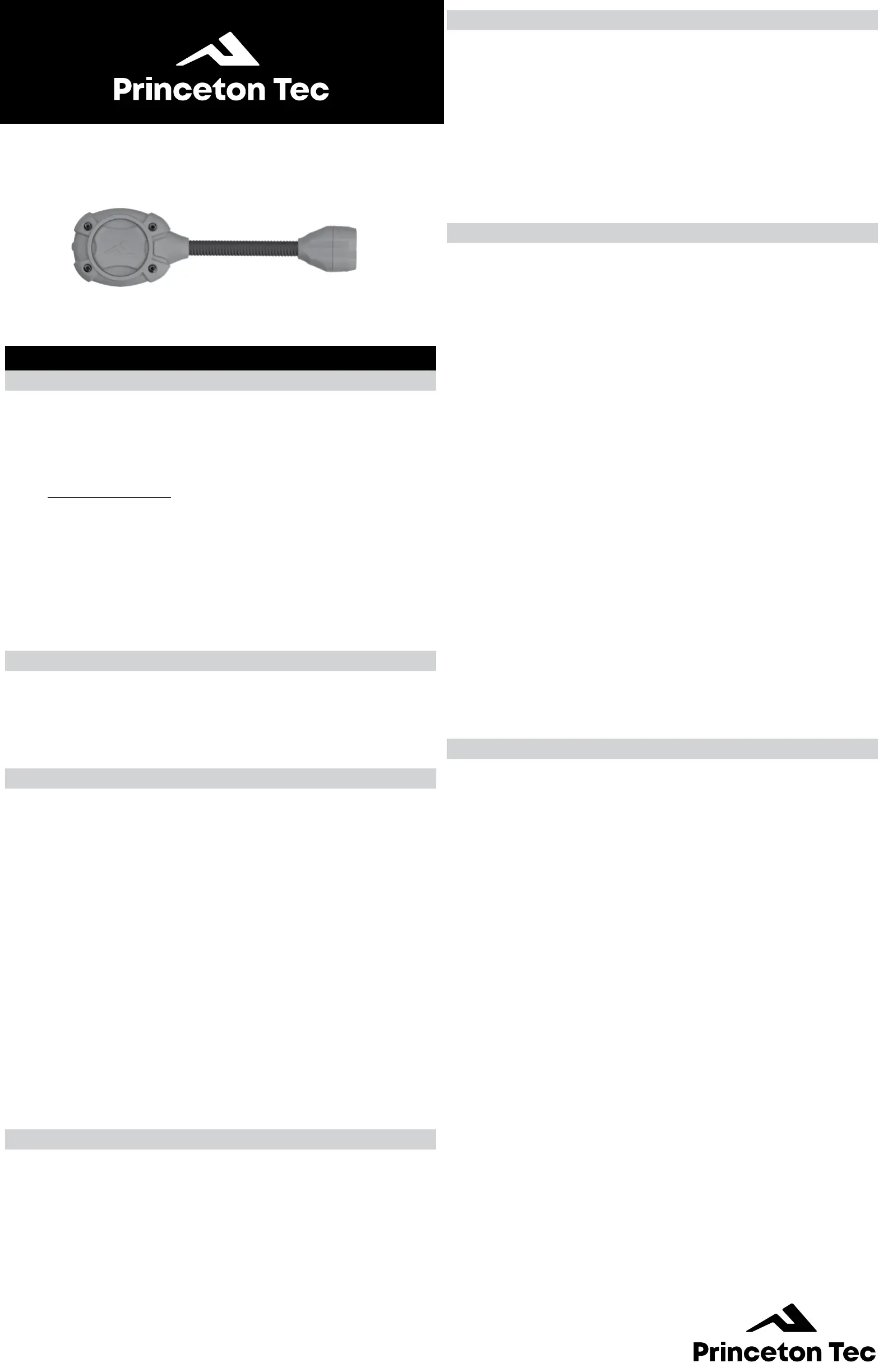
SWITCH
®
RGB
HELMET LIGHT
Operating and Maintenance Instructions
English
Battery Installation
See Figure 1
(2) CR2016 Coin Cells - 6V
Princeton Tec cares about the environment and recommends recy-
cling batteries. For more information about battery recycling, please
go to: batteryrecycling.com To install the batteries, rotate light unit out
of base. Lift tab of battery door on the underside of light unit to expose
coin cell(s)
Install coin cell(s) batteries with the (+) positive side facing up. Improper
installation of the batteries will damage the light and void the warranty.
Replace the battery door with the lift tab properly aligned with lift tab
slot of the housing. Press door rmly in place making sure it is all the
way seated in place.
WARNING !
Never mix fresh and used batteries.Never mix different battery brands
or chemistry types.
Always remove drained batteries immediately.
Remove batteries during long periods of storage.
Switch Operation
Switch RGB (White mode version). See Figure 2a
Starts in color mode
Press 1x Color Low
Press 2x Color High
Press 3x Off
Press & Hold in color mode White High
Next Press Off
Press & Hold 5s in off Programming mode
Switch RGBIR (IR mode version). See Figure 2b
Starts in IR mode
Press 1x IR Low
Press 2x IR High
Press 3x Off
Press & Hold in IR mode Color High
Next Press Off
Press & Hold 5s in off Programming mode
Programming Mode
See Figure 3
1. The Switch RGB ships with red light selected
2. From off, press and hold for 5 seconds to enter programming
mode
3. When in programming mode, click to activate the desired color
(Red, Blue, or Green)
4. Press and hold for 5 seconds to exit programming mode and
save changes
Troubleshooting
If the Switch RGB fails to light:
• Check the batteries for proper installation.
• Replace batteries if proper installation is conrmed.
• This light has been designed to be water resistant. Check the light for
water contamination on the circuit board. The light will resume normal
operation once any water is shaken or blown out and the light is left
open until completely dry. If the light has been contaminated with salt
water, ush the unit with fresh water and dry as described above.
USA– International 1-Year Warranty
WARRANTY – Princeton Tec warrants this product to be free from de-
fects in workmanship and materials under normal use for one year. This
warranty covers all of the component parts of the product except batter-
ies. This warranty does not cover deterioration due to normal wear or
damage due to misuse, alteration, negligence, accidents, or unautho-
rized repair. Princeton Tec will repair or replace parts which are defective
in workmanship or materials. Your authorized Princeton Tec Dealer and
Princeton Tec are the only facilities authorized to repair the product.
After (3) unsuccessful attempts (within the warranty
period) to repair the product, you have the right to elect replacement of
the product or a refund of the purchase price less allowance for use of
the product. NO INCIDENTAL OR CONSEQUENTIAL DAMAGES ARE
INCLUDED IN THIS WARRANTY. (Some states do not allow the exclu-
sion or limitation of incidental or consequential damages, so the above
limitations or exclusions may not apply to you.) This warranty gives you
specic legal rights, and you may also have other rights which vary from
state to state.
Princeton Tec reserves the right to change product specications with-
out notice.
FOR CALIFORNIA RESIDENTS
WARNING: This product contains Bisphenol A (BpA) a chemical
known to the State of California to cause birth defects or other re-
productive harm.
Return Policy
If your light fails to operate, follow these simple steps:
1. Check batteries. Replace if necessary.
2. To send your light in for repair or replacement, rst contact Prince-
ton Tec customer service on
1-800-257-9080 to request an RMA number. Please have your
light model, date of purchase and a brief description of the fault
your are experiencing. No warranty repairs will be accepted with-
out an RMA number.
3. Return the light to: Princeton Tec, PO Box 8057 Trenton NJ
08650. Postage due and freight collect items will not be accepted.
4. Upon receipt your light will be processed in about two weeks.
Please allow additional time for return transportation from NJ.
Princeton Tec
PO Box 8057, Trenton, NJ 08650
Phone: 609-298-9331
Fax: 609-298-9601
princetontec.com
© 2023 Princeton Tec
Probleemoplossing Princeton Tec Switch RGB
Als je de handleiding al zorgvuldig hebt gelezen maar geen oplossing voor je probleem hebt gevonden, vraag dan andere gebruikers om hulp
Specificaties
| Merk: | Princeton Tec |
| Categorie: | Niet gecategoriseerd |
| Model: | Switch RGB |