Sanyo
Projector accessoire
LNS-S04
Sanyo LNS-S04 Handleiding
Hier is de Sanyo LNS-S04 (Projector accessoire) gebruikershandleiding. 6 pagina's in taal Engels met een gewicht van 0.9 Mb. Als u geen antwoorden op uw probleem kunt vinden Vraag het onze community.
Pagina 1/6
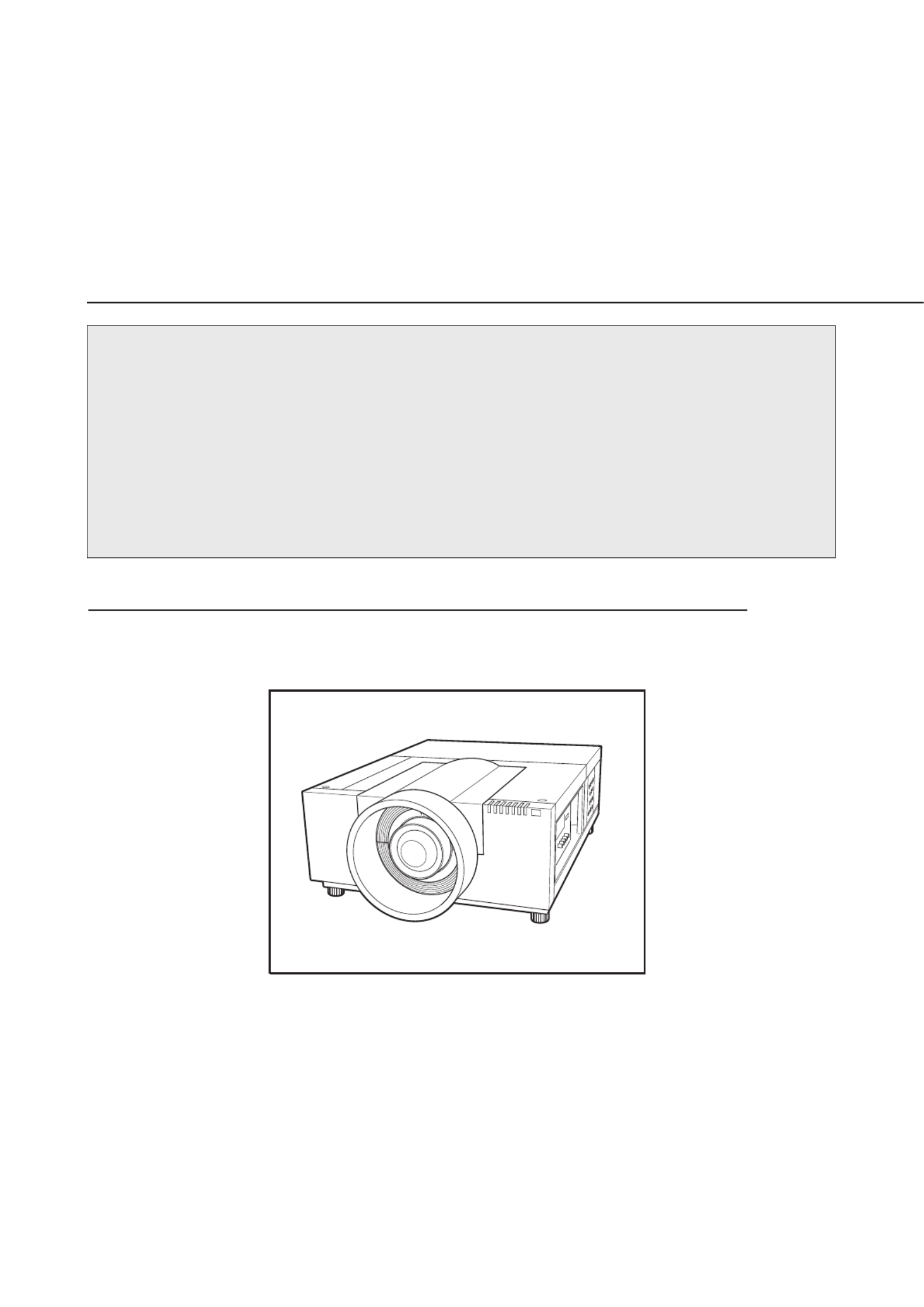
LCD PROJECTOR LENS
MODEL NO. LNS-S04/LNS-M02
LENS REPLACEMENT
AND INSTALLATION PROCEDURES
NOTES ON REPLACEMENT AND INSTALLATION
The procedures and the needed pars for lens installation depend on the type of
cabinet. Before installing or replacing the lens, make sure the type of cabinet and be
sure to refer to the Installations corresponding with your projector.
When installing or replacing the lens, make sure the Lens Model No. matches with
your projector. Refer to the catalog, or contact your sales dealer for the proper Lens
Model No.
TYPE OF THE CABINET AND INSTALLATION PROCEDURES
Refer to the Installation procedure corresponding to your projector and install the lens
correctly. (See the chart below.)
1AA6P1P5925-- (IFTT)
※ For use the other models (other than above cabinet), contact your sales dealer.
Printed in Japan
Probleemoplossing Sanyo LNS-S04
Als je de handleiding al zorgvuldig hebt gelezen maar geen oplossing voor je probleem hebt gevonden, vraag dan andere gebruikers om hulp
Specificaties
| Kleur van het product: | Zwart |
| Gewicht: | 2600 g |
| Diameter: | 140 mm |
| Diafragma (F-F): | 2 - 2.6 |
| Brandpuntbereik: | 76 - 98 mm |
| Zoomverhouding: | 1.3x |
| Compatibiliteit: | PLC-HF10000L\nPLC-HF15000L\nPLC-XF1000\nPLC-XF47\nPLC-XF47A |