Sharp MX-M5071 Handleiding
Hier is de Sharp MX-M5071 (Printer) gebruikershandleiding. 2 pagina's in taal Engels met een gewicht van 0.5 Mb. Als u geen antwoorden op uw probleem kunt vinden Vraag het onze community.
Pagina 1/2
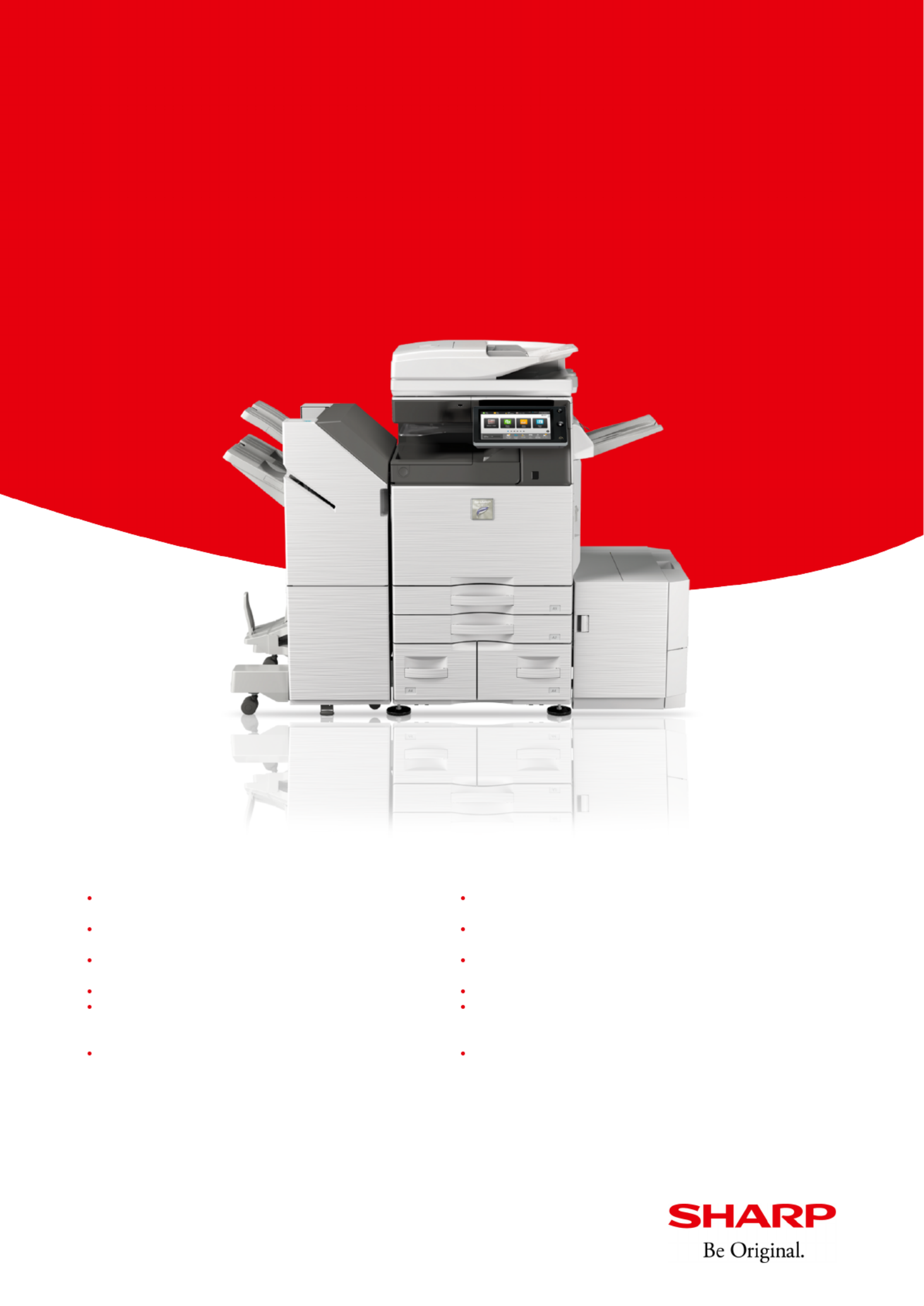
A3 black & white MFP with advanced features for connected teams
MX-M5071
Oice MFP with enhanced security features and
superior functionality for flexible working
*¹ Can be used from any of five network-connected MFPs. *² This function is enabled via Qualcomm®
DirectOice™ technology.
10.1-inch colour LCD touchscreen with Easy UI mode provides easy,
intuitive operation
Sharp Application portal for downloading firmware and connector
updates
A motion sensor detects approaching users ensuring the MFP is
always ready to use
Communication lamps show MFP status and a document feeder LED
reminds users to remove original documents
Store documents ready for printout from any compatible networked
MFP using Print Release*¹
Advanced data protection and access control with SSL validation and
whitelisting
Direct print Microso® Oice files from USB drives*² Replace paper without pausing copy/print jobs
Single sign-on brings easy access to public cloud storage services
including Google Drive™, OneDrive® for Business, SharePoint® Online,
Box, Dropbox and Cloud Portal Oice
Support for a secondary LAN (optional) provides simultaneous
support for two networks, including a combination of wireless and
wired networks
OCR allows users to convert scanned documents into editable
Microso® Oice files and searchable PDFs
Connect to mobile devices via NFC or QR Code®
www.sharp.co.uk
Probleemoplossing Sharp MX-M5071
Als je de handleiding al zorgvuldig hebt gelezen maar geen oplossing voor je probleem hebt gevonden, vraag dan andere gebruikers om hulp
Specificaties
| Merk: | Sharp |
| Categorie: | Printer |
| Model: | MX-M5071 |