TCL
Fotocamera
C2D
TCL C2D Handleiding
Hier is de TCL C2D (Fotocamera) gebruikershandleiding. 1 pagina's in taal met een gewicht van 182,342.0 Mb. Als u geen antwoorden op uw probleem kunt vinden Vraag het onze community.
Pagina 1/1
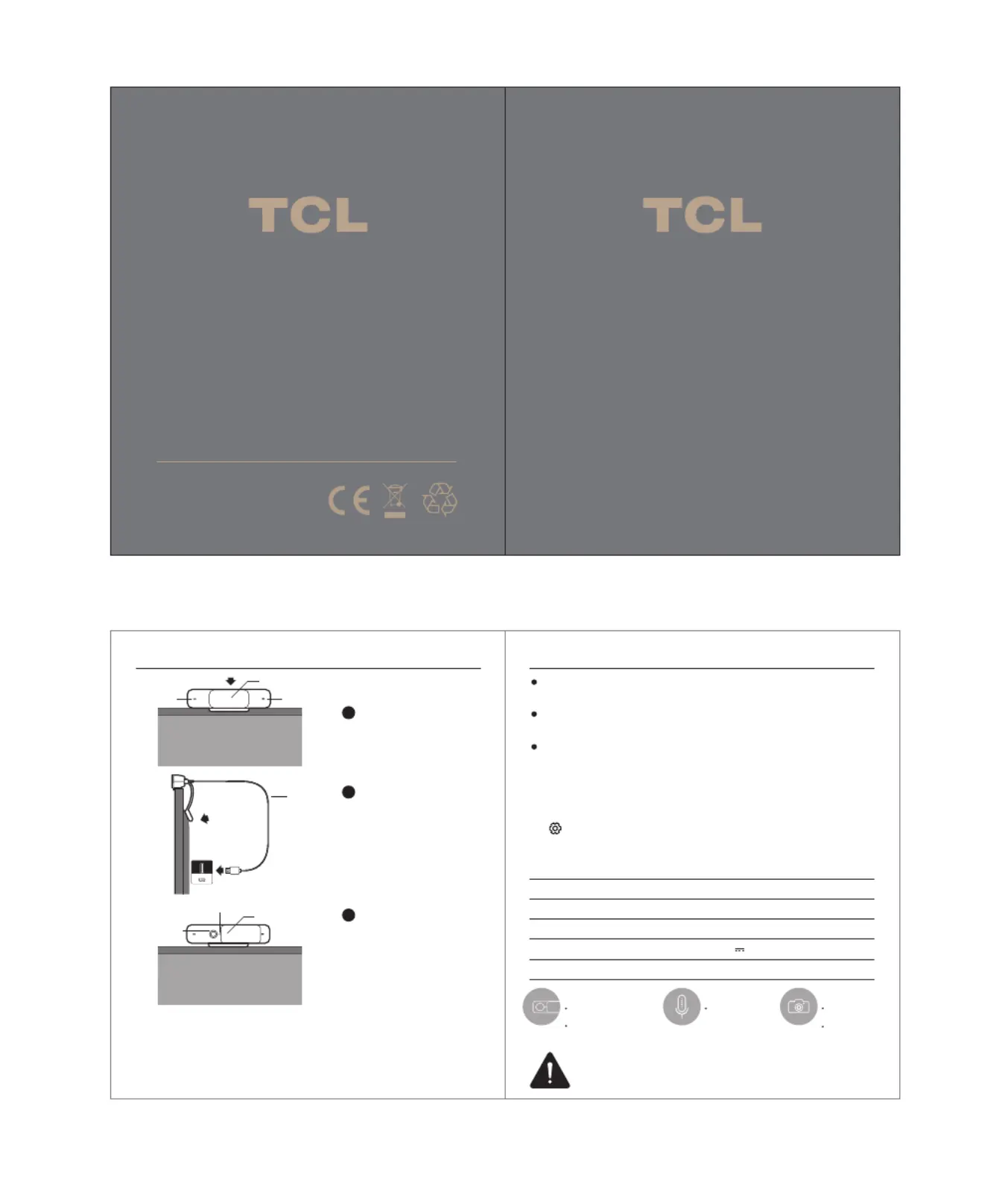
Full HD USB Camera - C2D
User Manual
Installation Usage
Resolution
Compression Format
Connection Port
Weight
1920*1080
H.264/MJPG/YUY2
60g
Specification
USB (5.0V 200mA)
Product Name: Full HD USB Camera
Product Model: C2D
Please read the user manual carefully before using this product.
Notice:
The specification and illustrations are for reference only and
may differ from actual product. Changes may be made without
prior notice.
The USB camera powers off automatically when you exit
corresponding applications on TV.
Ensure the normal connection between the USB camera and
TV while using this product.
The USB camera powers on automatically when you start
corresponding applications on TV.
2
Secure the lower part of
the mount to the back
cover of the TV and plug
the USB cable into one
of the USB ports on the
TV.
3
Open the cover slider
and start using the USB
camera.
1
Position the USB camera
on the top of TV.
USB cable
lens
video light indicator
cover slider opened
microphone microphone
cover slider closed
Full HD Camera
Sharp 1080p
Wide 70-degree
field of view
Sensitive Mics
Dual Stereo Mics,
with range up to 5
Appearance
Use the privacy cover
for extra security
This device complies with part 15 of the FCC Rules. Operation is subject to the
following two conditions:
(1) This device may not cause harmful interference, and
(2) this device must accept any interference received, including interference that
may cause undesired operation.
Note: This accessory is compatible with TCL Google TV and TCL Android
TV models.
Tip: You may keep the cover slider
closed when you are not using the USB
camera to protect the lens from dust.
Notes:
- Applications on TV may vary depending on the model.
- To reduce flickering effect when using camera applications
on TV, you can change the camera’s frequency by pressing
on the remote control, and selecting System > Advanced
Settings > Camera Flicker Reduction to switch between
50Hz and 60Hz according to the electrical frequency of your
environment.
The TV mount base features
a flexible magnetic mount
meters (16.4 feet)
resolution
Probleemoplossing TCL C2D
Als je de handleiding al zorgvuldig hebt gelezen maar geen oplossing voor je probleem hebt gevonden, vraag dan andere gebruikers om hulp
Specificaties
| Merk: | TCL |
| Categorie: | Fotocamera |
| Model: | C2D |