Xiaomi Mi Internet Radio Handleiding
Hier is de Xiaomi Mi Internet Radio (Radio) gebruikershandleiding. 11 pagina's in taal Engels met een gewicht van 1.0 Mb. Als u geen antwoorden op uw probleem kunt vinden Vraag het onze community.
Pagina 1/11
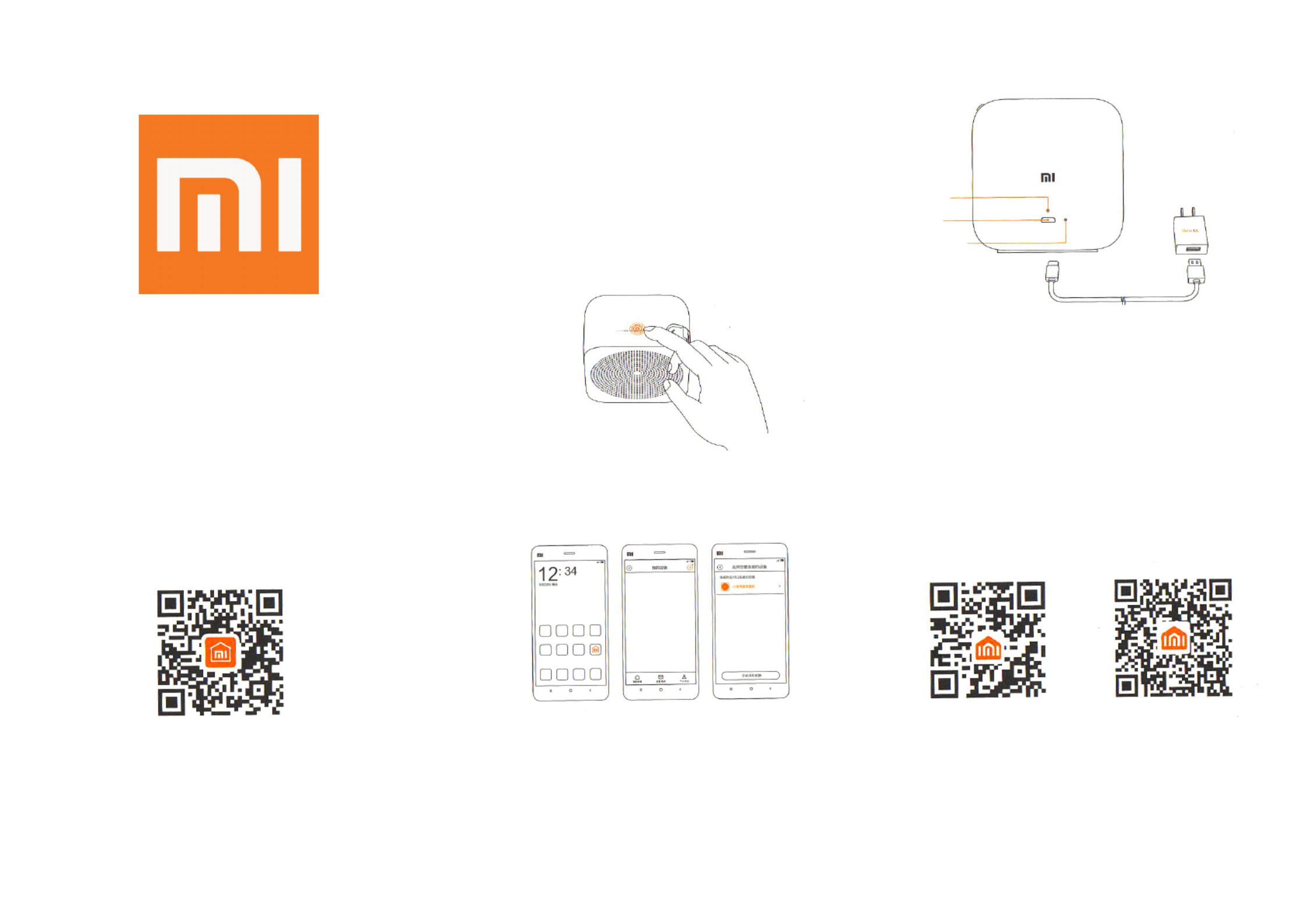
Mi Internet Radio Accessories
XIAOMI-MI.COM
Accessories: Mi Internet Radio х1, USB cable х1,
user manual х1
Switching stations button
Dynamics
Sensor
Features: This product depends on Wi-Fi network.
Quality of internet signal aecting a quality of the
radio.
Usage
Power switching on
This device does not have an ON / OFF button.
Connect your device to the power supply, using a
USB cable, then LED indicator lights up.
LED indicator
USB port
Reset
(Use an charging
eqiupment of 5V ---
1A and higher)
Installing Mi Smart Home АРР
In the APP Store nd «Mi Smart Home» or scan the
QR-code, to download the client application on the
smartphone.
Follow the application instruction to connect to Wi-
Fi network. Flashing yellow LED light indicates that
the device is in standby mode.
1. Select the Mi Smart Home icon;
2. Click the button in upper right corner to add a
new device;
3.In the list of found devices, select Mi Internet
Radio.
Connecting to network Sign up to the ocial community
Weibo сommunity Weixin сommunity
XIAOMI-MI.COM
Probleemoplossing Xiaomi Mi Internet Radio
Als je de handleiding al zorgvuldig hebt gelezen maar geen oplossing voor je probleem hebt gevonden, vraag dan andere gebruikers om hulp
Specificaties
| Merk: | Xiaomi |
| Categorie: | Radio |
| Model: | Mi Internet Radio |