Mikrotik
Access point
WAP R
Mikrotik WAP R Handleiding
Hier is de Mikrotik WAP R (Access point) gebruikershandleiding. 10 pagina's in taal Engels met een gewicht van 1,173,670.0 Mb. Als u geen antwoorden op uw probleem kunt vinden Vraag het onze community.
Pagina 1/10
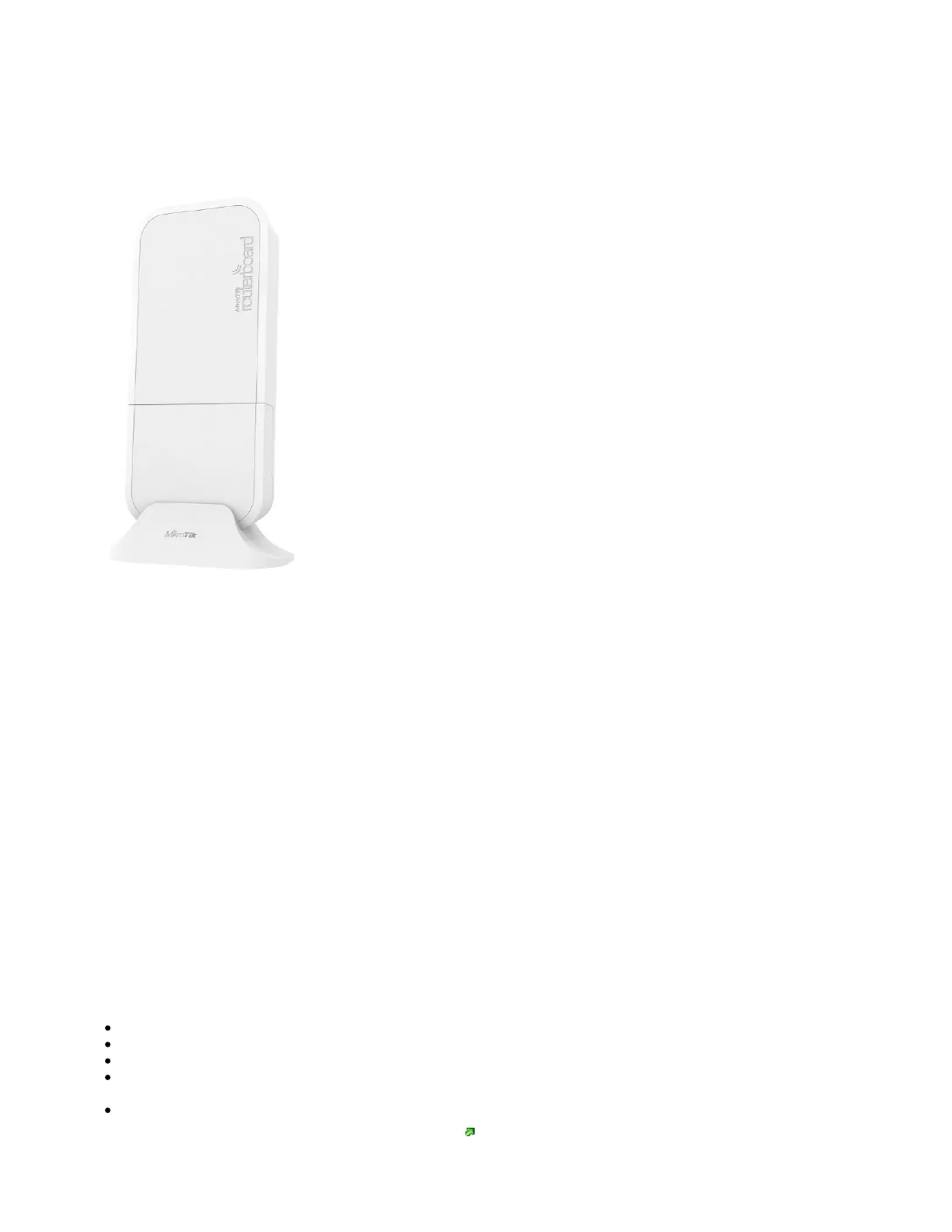
wAP R
wAP R
wAP R
wAP RwAP R
wAP R
Safety Warnings
Before you work on any equipment, be aware of the hazards involved with electrical circuitry, and be familiar with standard practices for preventing
accidents.
Ultimate disposal of this product should be handled according to all national laws and regulations.
All installation methods for mounting an access point on any wall surface is subject to the acceptance of local jurisdiction.
The Installation of the equipment must comply with local and national electrical codes.
This product is intended to be mounted outdoors on a pole but can also be installed indoors. Please read the mounting instructions carefully before
beginning installation. Failure to use the correct hardware and configuration or to follow the correct procedures could result in a hazardous situation to
people and damage to the system.
Use only the power supply and accessories approved by the manufacturer, and which can be found in the original packaging of this product.
Read the installation instructions before connecting the system to the power source.
We cannot guarantee that no accidents or damage will occur due to the improper use of the device. Please use this product with care and operate at your
own risk!
In the case of device failure, please disconnect it from power. The fastest way to do so is by unplugging the power plug from the power outlet.
It is the customer's responsibility to follow local country regulations, including operation within legal frequency channels, output power, cabling
requirements, and Dynamic Frequency Selection (DFS) requirements. All Mikrotik radio devices must be professionally installed.
Exposure to Radio Frequency Radiation:
Exposure to Radio Frequency Radiation:
Exposure to Radio Frequency Radiation:
Exposure to Radio Frequency Radiation:Exposure to Radio Frequency Radiation:This MikroTik equipment complies with the FCC, IC, and European Union radiation exposure limits set forth for an
uncontrolled environment.This MikroTik device should be installed and operated no closer than 20 centimeters from your body, occupational user, or the
general public.
Quickstart
Use a Phillips head screwdriver to loosen the screw, which secures the bottom lid.
Install your modem (optional).
Choose your powering solution, please see the section for possibilities.Powering
Plug the included PoE injector into the ISP outlet and attach an Ethernet cable to it. Connect the other end of the Ethernet cable to this MikroTik
router. Plug the provided power supply into the PoE injector.
Wireless AP mode is enabled by default, you can connect from your computer to the SSID that begins with "MikroTik". The configuration interface
is available via a web browser. The address is .https://192.168.88.1
Probleemoplossing Mikrotik WAP R
Als je de handleiding al zorgvuldig hebt gelezen maar geen oplossing voor je probleem hebt gevonden, vraag dan andere gebruikers om hulp
Specificaties
| Kleur van het product: | Wit |
| Breedte: | 185 mm |
| Diepte: | 85 mm |
| Hoogte: | 30 mm |
| LED-indicatoren: | Ja |
| Plaatsing: | Table, Wall |
| Inclusief AC-adapter: | Ja |
| Aantal Ethernet LAN (RJ-45)-poorten: | 1 |
| Vermogensverbruik (max): | 6 W |
| Aansluiting voor netstroomadapter: | Ja |
| Type processor: | Ja |
| Ethernet LAN, data-overdrachtsnelheden: | 10, 100 Mbit/s |
| Netwerkstandaard: | IEEE 802.11b, IEEE 802.11g, IEEE 802.11n |
| Antenne versterkingsniveau (max): | 2 dBi |
| Intern: | Nee |
| Reset button: | Ja |
| Maximale overdrachtssnelheid van gegevens: | 300 Mbit/s |
| 2,4 GHz: | Ja |
| 5 GHz: | Nee |
| Power over Ethernet (PoE): | Ja |
| AC-ingangsspanning: | 9 - 30 V |
| Bedrijfstemperatuur (T-T): | -40 - 60 °C |